
Excel has been one of the most important office tools for decades. Businesses use it for reporting, budgeting, forecasting, tracking data, and analyzing performance. But for many office workers, Excel also comes with a major problem: repetitive manual work.
Employees spend countless hours:
- writing formulas
- formatting spreadsheets
- cleaning data
- building reports
- fixing errors
- creating charts manually
Now, artificial intelligence is changing that workflow completely.
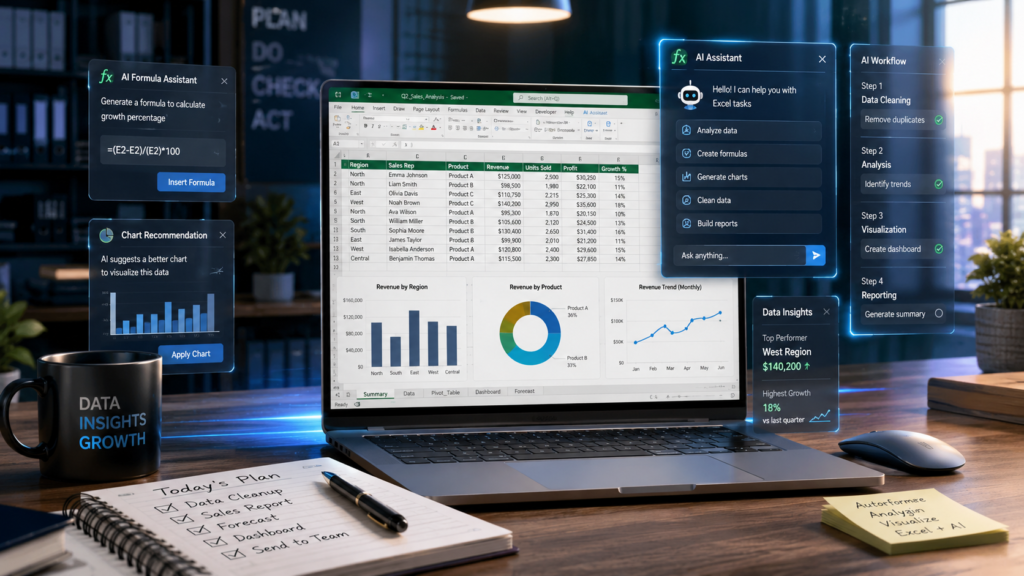
AI-powered tools are rapidly transforming how professionals use Excel. Tasks that once required advanced spreadsheet skills can now be completed using simple instructions and automation.
Instead of manually building reports for hours, workers can ask AI tools to generate insights, summarize data, create dashboards, and even write formulas automatically.
For office workers in the United States, this shift is becoming one of the biggest productivity changes in modern workplaces.
In this article, we’ll explore how AI tools are replacing manual work in Excel and why businesses are adopting these technologies faster than ever.
Why Manual Excel Work Is Becoming Outdated
Traditional spreadsheet workflows often involve repetitive tasks that consume time every day.
Common examples include:
- manually entering formulas
- copying and pasting data
- searching for spreadsheet errors
- creating repetitive weekly reports
- cleaning duplicate information
- formatting large tables manually
These processes slow productivity and increase the risk of mistakes.
AI tools are solving this problem by automating much of the work traditionally done by employees.
Instead of spending hours learning complex Excel formulas, users can now simply type commands like:
“Create a monthly sales dashboard from this spreadsheet.”
The AI handles the heavy work automatically.
This is why companies are increasingly integrating AI into office workflows.
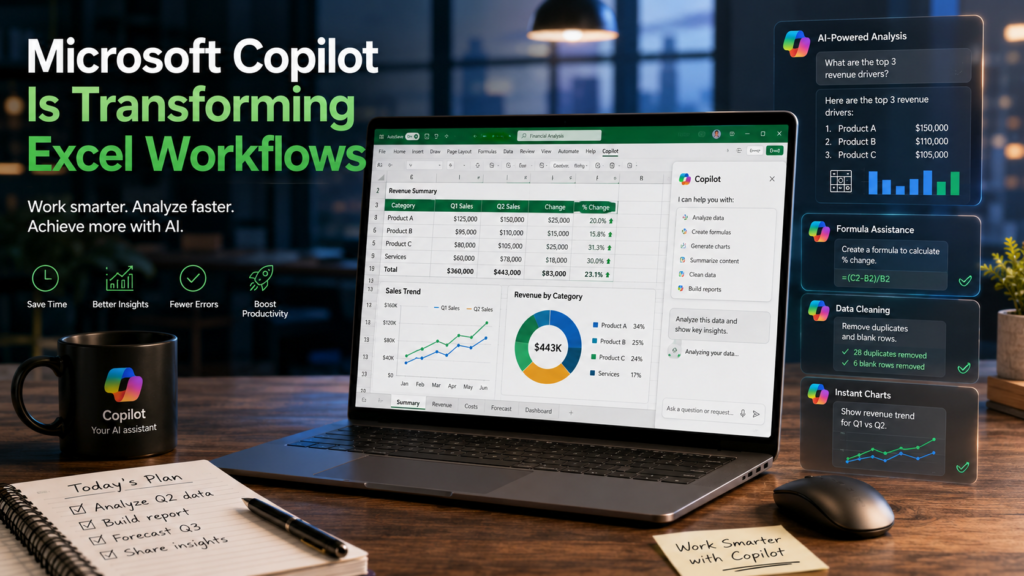
1. Microsoft Copilot Is Transforming Excel Workflows
Microsoft Copilot is one of the biggest AI upgrades introduced into Excel.
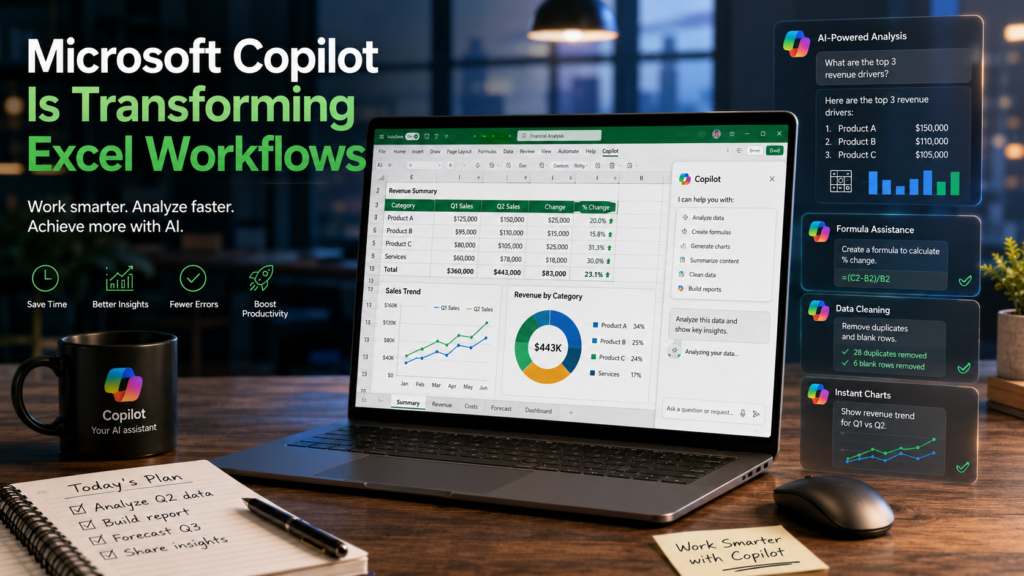
It allows users to interact with spreadsheets using natural language instead of manually performing every task.
Employees can ask questions such as:
- “Analyze quarterly revenue trends.”
- “Highlight unusual spending patterns.”
- “Create a visual sales report.”
- “Generate forecasting charts.”
Copilot can instantly:
- build charts
- summarize data
- create formulas
- analyze trends
- generate insights
Example
Before AI:
A sales manager manually creates pivot tables and graphs every Friday for weekly reporting.
With Microsoft Copilot:
The manager simply types:
“Create a summary dashboard of weekly regional sales.”
Within seconds, the dashboard is generated automatically.
This can save businesses several hours every week.
2. ChatGPT Is Helping Users Generate Excel Formulas Faster
ChatGPT has become one of the most useful AI assistants for Excel users.
Many professionals now use ChatGPT to:
- generate formulas
- explain functions
- troubleshoot spreadsheet errors
- automate repetitive tasks
- create VBA scripts
- simplify complex calculations
This is especially valuable for employees who are not advanced Excel experts.
Real Example
An office worker needs a formula to calculate the highest sales value by department.
Instead of spending 30 minutes searching online, they ask ChatGPT:
“Create an Excel formula that returns the highest sales amount for each department.”
The AI instantly provides:
- the formula
- step-by-step explanation
- possible alternatives
This dramatically reduces the learning curve for Excel users.
3. Google Gemini Is Improving Spreadsheet Collaboration
Google Gemini is becoming increasingly popular for teams working in Google Sheets and cloud-based environments.
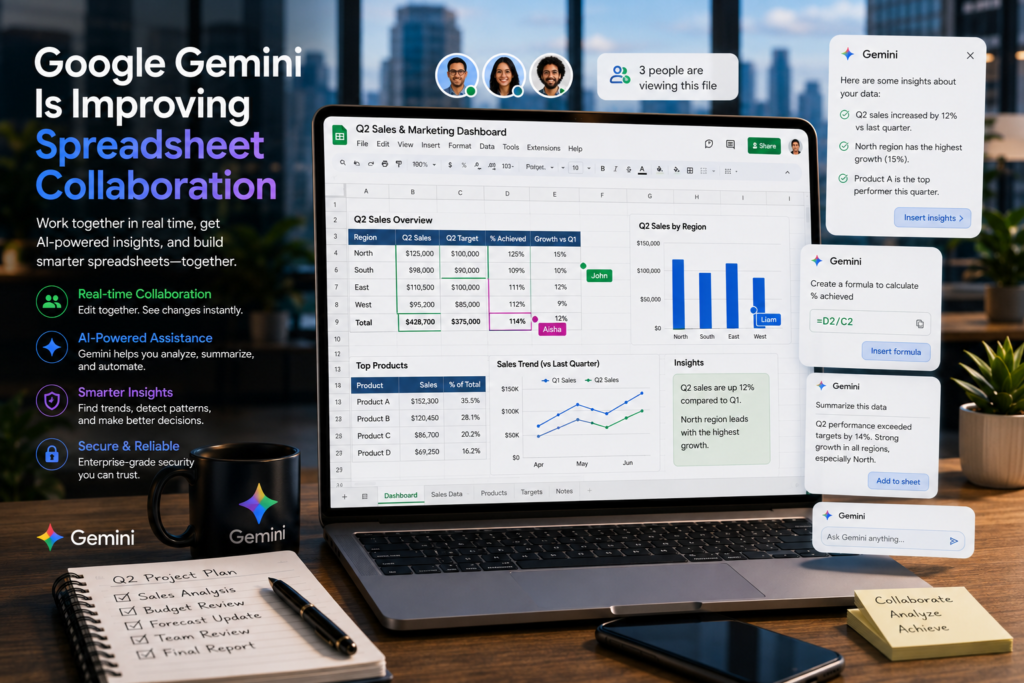
The AI tool helps users:
- summarize spreadsheets
- organize data
- generate insights
- automate repetitive workflows
- identify trends
This is particularly useful for remote teams and project managers handling large datasets.
Example
A project management team uploads a spreadsheet containing hundreds of tasks.
Gemini automatically:
- highlights delayed projects
- identifies urgent deadlines
- summarizes progress updates
- detects workflow bottlenecks
Without manually filtering rows or creating formulas.
This improves productivity while reducing repetitive administrative work.
4. Rows AI Is Automating Data Analysis
Rows AI is another emerging tool changing how businesses manage spreadsheets.
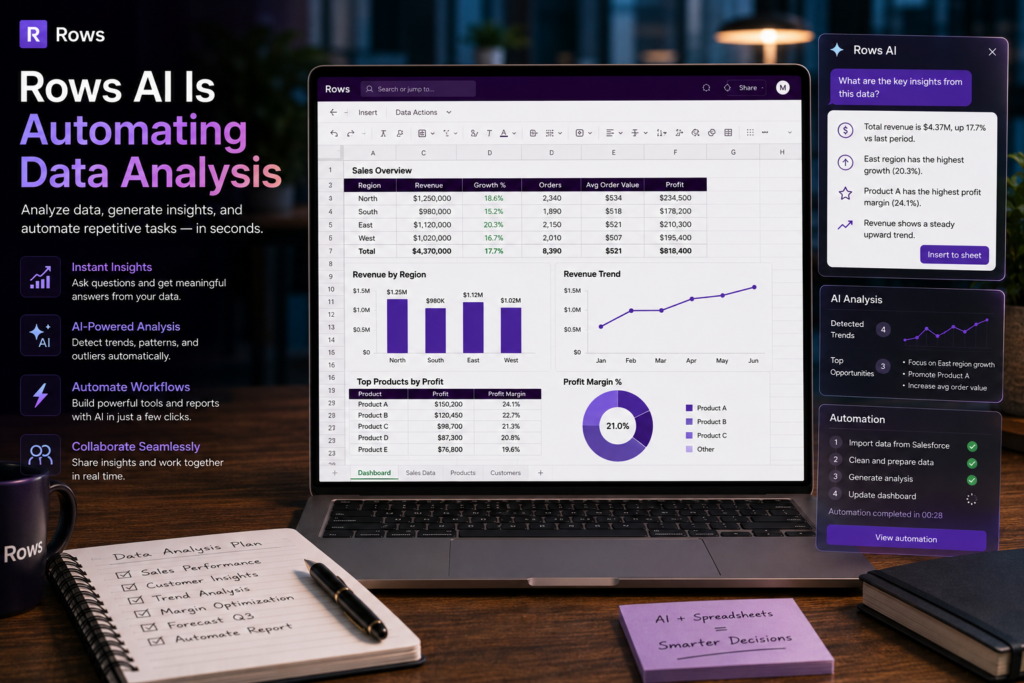
Unlike traditional spreadsheet software, Rows combines AI directly into the workflow.
Users can ask the AI to:
- analyze customer reviews
- summarize marketing performance
- identify trends
- categorize feedback
- generate reports automatically
Example
A company receives thousands of customer comments every month.
Instead of manually reviewing every response, Rows AI can automatically:
- detect customer sentiment
- categorize complaints
- identify positive feedback
- summarize common issues
This saves significant time for support and marketing teams.
5. Notion AI Is Replacing Manual Reporting Tasks
Many professionals now combine Excel with Notion AI for reporting and documentation workflows.
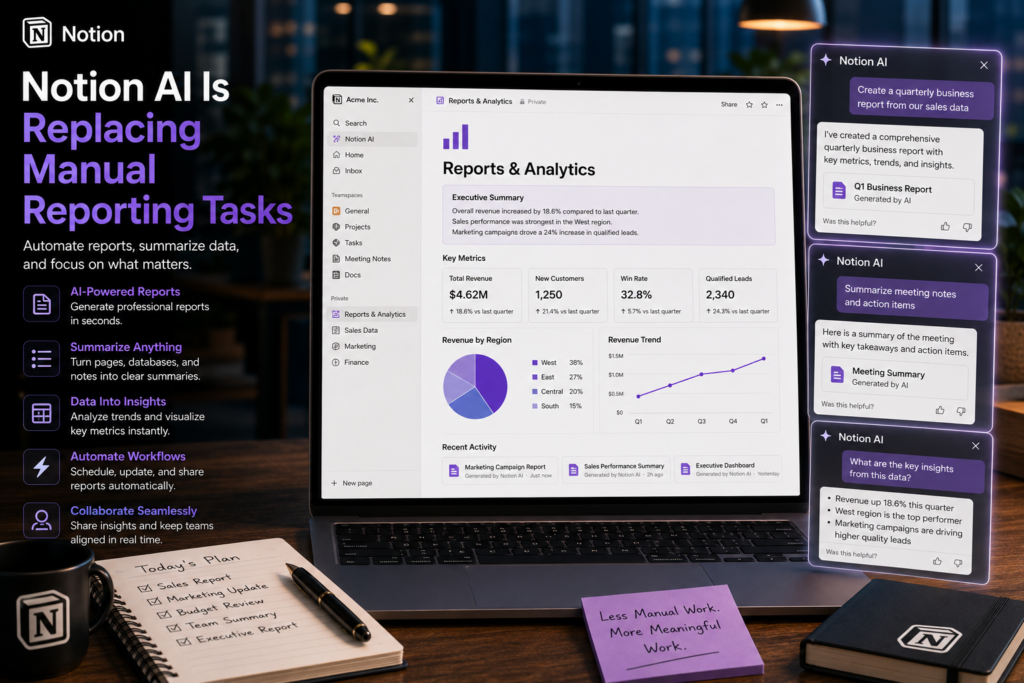
Employees often export spreadsheet data into Notion AI to generate:
- meeting summaries
- project reports
- performance reviews
- weekly updates
- business insights
This reduces the amount of manual writing required for office reporting.
Instead of spending an hour preparing summaries, AI can create drafts within minutes.
Tasks AI Is Replacing in Excel
| Manual Excel Task | AI-Powered Alternative |
|---|---|
| Writing formulas manually | AI-generated formulas |
| Cleaning duplicate data | Automated data cleaning |
| Creating charts | Instant visualization |
| Building reports | AI-generated summaries |
| Searching for errors | AI formula debugging |
| Trend analysis | Automated insights |
| Forecasting | Predictive AI analysis |
| VBA coding | AI-generated automation |
Will AI Replace Excel Jobs?
Many office workers worry that AI could replace jobs involving spreadsheets and reporting.
In reality, AI is more likely to replace repetitive manual tasks rather than employees themselves.
Businesses still need people who can:
- understand data
- make decisions
- interpret reports
- communicate insights
- manage workflows
The professionals who adapt fastest will likely become more valuable.
The future workplace is not:
AI instead of humans
It is:
Humans using AI to work more efficiently
Why Businesses Are Investing in AI Productivity Tools
Companies are rapidly adopting AI because it improves:
- efficiency
- reporting speed
- accuracy
- productivity
- workflow automation
For managers, AI means:
- faster decision-making
- fewer manual errors
- lower repetitive workload
For employees, it means:
- less repetitive work
- faster analysis
- easier reporting
- simplified workflows
This is why AI adoption is accelerating across offices in the United States.
The Biggest Benefit of AI in Excel
The most important advantage is time savings.
Many office workers spend:
- 5 to 15 hours every week
on repetitive spreadsheet tasks.
AI tools can significantly reduce that workload.
Even saving:
- 1 or 2 hours per day
can improve productivity dramatically over time.
This allows employees to focus more on:
- problem-solving
- planning
- strategy
- business growth
instead of repetitive spreadsheet maintenance.
Final Thoughts
AI tools are fundamentally changing how people use Excel.
Tasks that once required advanced spreadsheet expertise can now be completed using simple prompts and automation.
From Microsoft Copilot and ChatGPT to Gemini and Rows AI, businesses are increasingly replacing manual Excel workflows with intelligent productivity tools.
But the goal is not to eliminate Excel users.
The real goal is to help professionals:
- work faster
- reduce repetitive tasks
- improve accuracy
- make better decisions
For office workers willing to learn these tools, the opportunity is enormous.
The future of productivity is no longer just about spreadsheets.
It’s about combining Excel skills with AI-powered workflows to work smarter than ever before.